
How To Design An At Home Office
📖 Table of Contents
When I first converted a corner of my living room into an at-home office, I didn’t expect the sheer amount of thought that would go into it. I bought a basic desk from a store, threw in a chair, and sat down to work. But within a week, I realized that this wasn’t going to cut it. The chair was uncomfortable, the desk was too short, and the lighting left me squinting at my screen. That’s when I knew I had to roll up my sleeves and start designing an office that actually worked for me.[1]
Designing an at-home office isn’t just about buying the right furniture—it’s about understanding your space, your habits, and what you need to be productive. I started by measuring the room, sketching out a layout, and thinking about where the sunlight hit the floor. I tested different desk heights, tried out chairs on the floor, and even used a small whiteboard to map out my workflow. It took a few iterations, but eventually, I got it right. And it made a world of difference in my focus, comfort, and overall efficiency.
Since then, I’ve learned that designing an at-home office is a deeply personal process, but it doesn’t have to be overwhelming. With the right approach, you can create a space that’s not only functional but also inspiring. Whether you’re working from home full-time or just need a dedicated area for a few hours a day, this guide will help you build an office that’s tailored to your life. And I promise, it’s easier than you think.[2]
Why You'll Love This At-Home Office Design Guide
- You’ll learn how to design a workspace that fits your body and workflow perfectly.
- You’ll avoid common pitfalls like poor ergonomics and uncomfortable seating.
- You’ll save money by building your own desk and storage solutions.
- You’ll end up with a space that feels like it was made for you, not just a generic desk and chair.
Understanding Your Space and Needs
As of October 2026, the first step in designing an at-home office is understanding your space. I measured the room from wall to wall, checked where the outlets were, and noted where the sunlight came through. I also considered how I moved around the space and where I naturally leaned against the wall or sat on the floor. This helped me determine the best placement for my desk and chair.
Next, I thought about how I worked. Did I need storage for notebooks? Did I need a separate area for meetings or just a quiet place to focus? I asked myself these questions and wrote them down. This helped me choose the right layout and furniture for my needs.
I found that knowing my space and habits early on saved me time and money. I avoided buying a desk that was too large for the room and didn’t end up with a chair that didn’t support my back. It also helped me plan where to place my monitor and keyboard for optimal comfort and efficiency.
Before buying any furniture, measure your space and sketch a layout. This helps you avoid costly mistakes later on.
Part of our Desk furniture guide.
Choosing the Right Desk and Chair
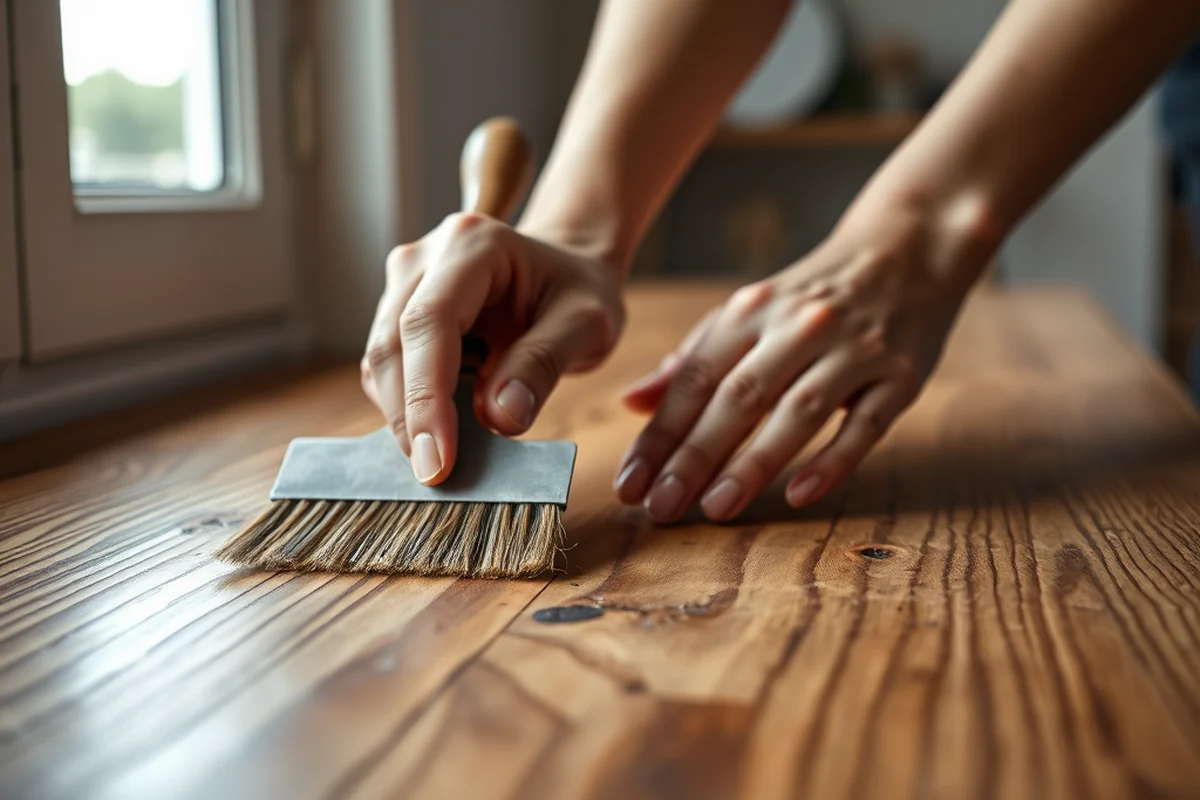
When I first started designing my home office, I realized that the desk and chair were the most important pieces. I tried out different desks at a local store and noticed that the ones with adjustable heights made a big difference. I also found that a chair with good lumbar support and a comfortable seat made me more productive throughout the day.
After testing a few options, I settled on a standing desk that could be adjusted between sitting and standing heights. This helped me stay active and reduce stiffness. For the chair, I went with one that had a breathable mesh back and adjustable armrests. This made a huge difference in my posture and comfort.
I also made sure the desk and chair fit in my space. I measured the room again and adjusted the layout to ensure there was enough room to move around. This helped me avoid feeling cramped or cluttered in my new workspace.
Invest in a chair and desk that support your body—they’re worth it.
Related: Home office setup ideas
Lighting and Ergonomics
Lighting is one of the most important things I considered when designing my home office. I found that natural light made a huge difference in my mood and focus. I positioned my desk so that the sunlight hit the center of my workspace, which helped reduce eye strain and made the room feel more open.
I also invested in a good desk lamp with adjustable brightness. This helped me work in the evenings without straining my eyes. For ergonomics, I made sure my monitor was at eye level, and my keyboard was at a comfortable height. This helped me avoid neck and back pain.
I also used a footrest to support my legs and a standing desk for occasional standing work. This helped me stay active and reduce the risk of long-term injuries. These small adjustments made a huge difference in my comfort and productivity.
Natural light is ideal, but a good desk lamp with adjustable brightness is a must for evening work.
“When I first converted a corner of my living room into an at-home office, I didn’t expect the sheer amount of thought that would go…”— DIY Floating Desk Units editors
Related: Small living room layout ideas with tv
Adding Storage and Organization

I quickly realized that without proper storage, my home office would become a mess. I started by adding shelves to my wall and using drawer organizers in my desk. This helped me keep my tools, notebooks, and supplies neatly organized.
I also added a rolling cart with drawers and compartments. This made it easy to move items around the room and keep everything in one place. I labeled each drawer so I could find what I needed quickly.
Over time, I found that having a dedicated storage solution made a huge difference in my productivity. I could find what I needed without wasting time searching through cluttered spaces. It also helped me stay focused and avoid distractions.
Related: Living room tables
Personalizing Your Space
After setting up the basic structure of my home office, I wanted to make it more personal. I added a small plant on my desk and a framed photo of my team. This helped me feel more connected to my work and made the space feel more like mine.
I also used decorative wall art and a nice rug to add color and texture to the room. This helped break up the monotony of the desk and chair and made the space feel more welcoming.
Personalizing my workspace had a huge impact on my motivation. I felt more inspired to work in a space that reflected who I was and what I did. It also helped me stay focused and avoid burnout.
Related: Living room wall ideas
Keeping Your Space Clean and Functional
I learned early on that even the best-designed office can fall into disarray without regular cleaning and organization. I set up a routine to tidy up my workspace at the end of each day, which helped me avoid clutter from piling up.
I also used a small trash bin and a recycling bin to keep my space clean. I labeled each bin clearly so I could dispose of items without thinking. This helped me maintain a clean and organized workspace.
Over time, I found that keeping my space clean and functional made a huge difference in my productivity. I could find what I needed quickly and avoid distractions. It also helped me stay focused and avoid burnout.
A clean workspace = a focused mind.
Related: How to design a living room
Testing and Refining Your Layout
After setting up my home office, I realized that I needed to test and refine the layout. I tried out different desk positions and chair placements to see what worked best for me. I also tested different lighting setups to see what made me feel most comfortable.
I found that having a clear path to my desk and enough space to move around was essential. I also realized that the height of my desk and chair needed to be adjusted to match my body. This helped me avoid discomfort and stay focused throughout the day.
Testing and refining my layout helped me create a space that worked for me. I could move around freely, and I had enough space to work without feeling cramped. It also helped me avoid common pitfalls like poor ergonomics and uncomfortable seating.
💰 Budget Build
Create a functional workspace without spending too much. Use secondhand furniture and DIY storage solutions.
🛠️ Weekend Version
Design a simple office in just a few hours. Focus on the essentials like a desk, chair, and lighting.
✨ Upgraded Finish
Add a touch of luxury with upgraded materials like wood desk tops and high-quality chairs.
🏠 Small-Space Adaptation
Design an office that fits into a small area. Use foldable furniture and vertical storage solutions.
🪑 Rental-Safe Option
Create a temporary workspace that you can move and take with you when you leave your rental.
| The mistake | Why it happens | The fix |
|---|---|---|
| Ignoring Ergonomics | Choosing the wrong desk or chair can lead to back pain and discomfort over time. | Invest in an adjustable desk and a chair with good lumbar support. Test different options before buying. |
| Not Measuring the Room | Buying furniture that’s too large for the room can make your space feel cluttered and cramped. | Measure your room and sketch a layout before purchasing any furniture. This helps you choose the right size and shape. |
| Overlooking Lighting | Poor lighting can cause eye strain and make it harder to focus on your work. | Use natural light as much as possible, and invest in a good desk lamp with adjustable brightness. |
| Neglecting Storage | Without proper storage, your workspace can quickly become cluttered and disorganized. | Add shelves, drawer organizers, and a rolling cart to your space. This helps you keep everything in place. |
How To Design An At Home Office
Common Questions
How do I know what desk height I need?
What tools do I need to build my own desk?
How can I make my workspace more ergonomic?
What should I do if I don’t have enough space for a desk?
References
Cite this guide
DIY Floating Desk Units (2026). How To Design An At Home Office. https://deskspaceplan.com/how-to-design-an-at-home-office/
Feel free to cite or share this guide.